
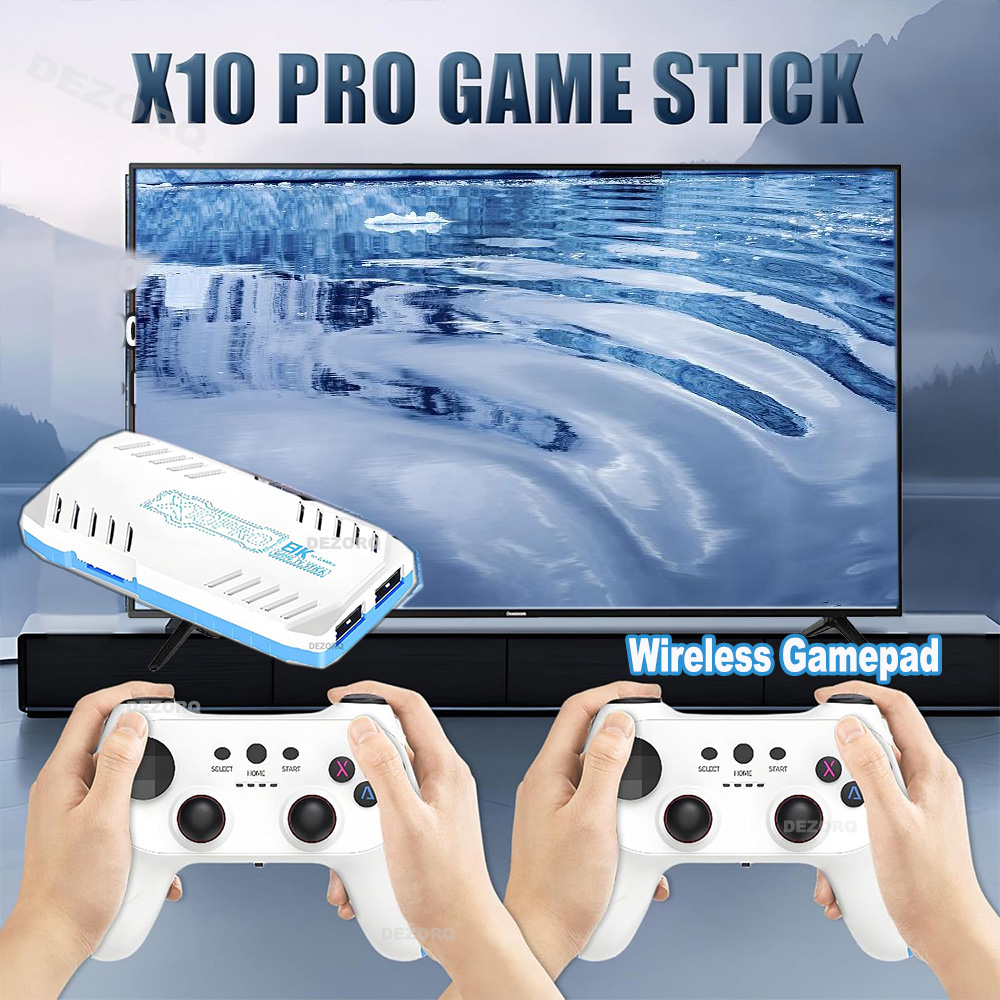
X10 PRO Game Console Retro Game 128G Game Stick 4K TV Gaming Consola Wireless Gamepads Video Games
Stock Available: 13 units
Color
Selected: X10 PRO 128GProduct details
X10 PRO Game Console 128G Game Stick 4K TV Gaming Consola Wireless Gamepads Video Games Please Noted : The arrow keys of this controller are detachable, we install the round arrow keys by default, and the cross-shaped arrow keys will be included in the package and can be replaced according to your needs. Please pull it out carefully when replacing,do not disassemble violently to avoid damaging the accessories.Hope to understand . Install Step : 1. Plug USB wireless receiver to USB port on Gamestick 2. plug POWER CABLE to game stick and 5V 2A power source 3.Connect HD cable to game stick and TV HD PORT 4. Set the TV Model to HD version , if your tv have more HD port ,please select the corresponding HD port 5. Install 2 x AAA batteries to each controller that can play games. Button Instruction : Press X button : search games Press Start button on the homepage : call out setting page Press Start+ select button at the same time(two times) : Quickly exit the game ,return to game list Press dual joystick : call out the quick menu for close game ,save,load and other option Model : X10 pro Game Stick CPU : S905 x 3, ARM Cortex - A55 2.0GHz GPU : Mali - G31 MP2 GPU System : Emuelec 4.3 HD output , 1080P/720P Controller : Dual 2.4G wireless gamepad ,use AAA battery for power (AAA battery is not included ) Support save load games Support search games
Estimated delivery: Sun 18 Oct – Wed 21 Oct
Free shipping to the UK
Security & Privacy
Quantity
X10 PRO Game Console 128G Game Stick 4K TV Gaming Consola Wireless Gamepads Video Games Please Noted : The arrow keys of this controller are detachable, we install the round arrow keys by default, and the cross-shaped arrow keys will be included in the package and can be replaced according to your needs. Please pull it out carefully when replacing,do not disassemble violently to avoid damaging the accessories.Hope to understand . Install Step : 1. Plug USB wireless receiver to USB port on Gamestick 2. plug POWER CABLE to game stick and 5V 2A power source 3.Connect HD cable to game stick and TV HD PORT 4. Set the TV Model to HD version , if your tv have more HD port ,please select the corresponding HD port 5. Install 2 x AAA batteries to each controller that can play games. Button Instruction : Press X button : search games Press Start button on the homepage : call out setting page Press Start+ select button at the same time(two times) : Quickly exit the game ,return to game list Press dual joystick : call out the quick menu for close game ,save,load and other option Model : X10 pro Game Stick CPU : S905 x 3, ARM Cortex - A55 2.0GHz GPU : Mali - G31 MP2 GPU System : Emuelec 4.3 HD output , 1080P/720P Controller : Dual 2.4G wireless gamepad ,use AAA battery for power (AAA battery is not included ) Support save load games Support search games